

SUPPORT / PARTS / DOCUMENTATION
Support that keeps you moving.
Find the next step for operation, maintenance, spare parts and machine documentation.
Concept product scene — not field or configuration evidence.Start with the machine and the issue.
Support scope and the next step depend on the supplied machine and the information provided.
Identify your machine
Model and serial number, if available.
Show us the issue
Photos and what happened.
Review the information
Narrow down the support topic.
Confirm the next step
Guidance, documents or a parts enquiry.
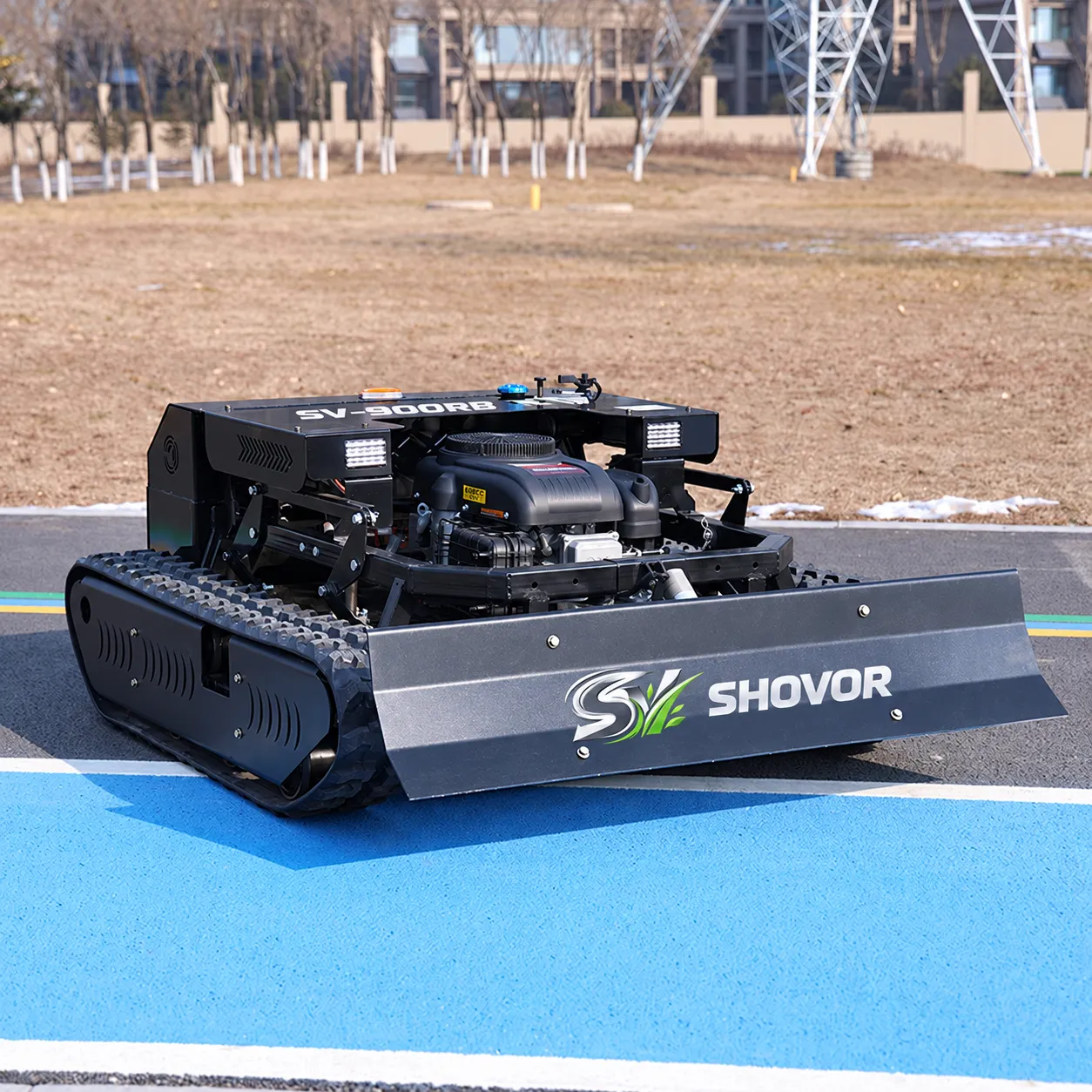 SV-900RB reference — front-blade configuration shown.
Show us what you see.
Better information helps us understand the issue.
Model and serial number
If available.
Full-machine and close-up photos
Show the machine and the affected area.
What happened
Describe the issue and what you already checked.
Unusual sound, movement or warning
Include any clear observations.
Spare parts, matched to your machine.
Identify the part before requesting a quote. Compatibility, availability and shipment are confirmed for your machine.
Request PartsModel · Serial / Configuration · Part photo · Quantity · Destination
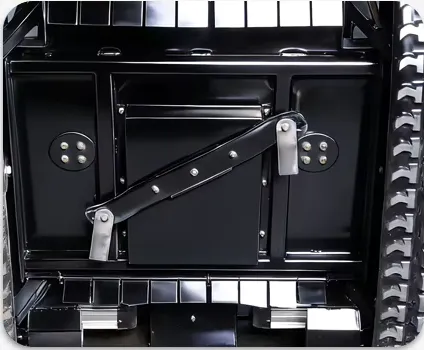 Installed cutting-system reference. Not a universal parts listing.
Find documents for your machine.
Tell us your model and the document you need. Confirm the correct version before use.
Documents are requested for the named machine and configuration. Availability, language and version need confirmation; this is not a public download library.
Routine care starts with the basics.
Example machine configuration shown. Inspection points depend on the supplied configuration.
Cutting system
Check fasteners, guards and cleanliness. Follow the instructions supplied for your machine.
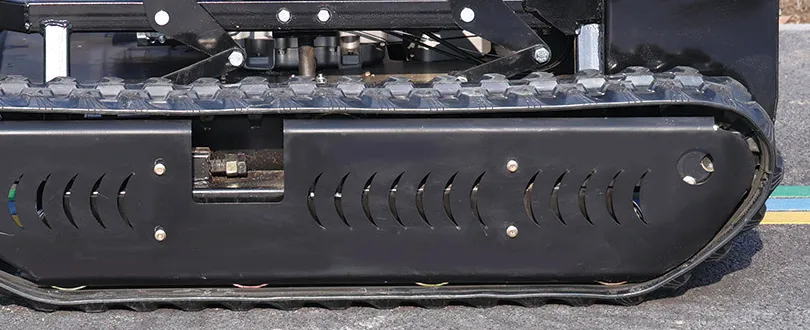
Tracks & undercarriage
Inspection points depend on the supplied configuration.
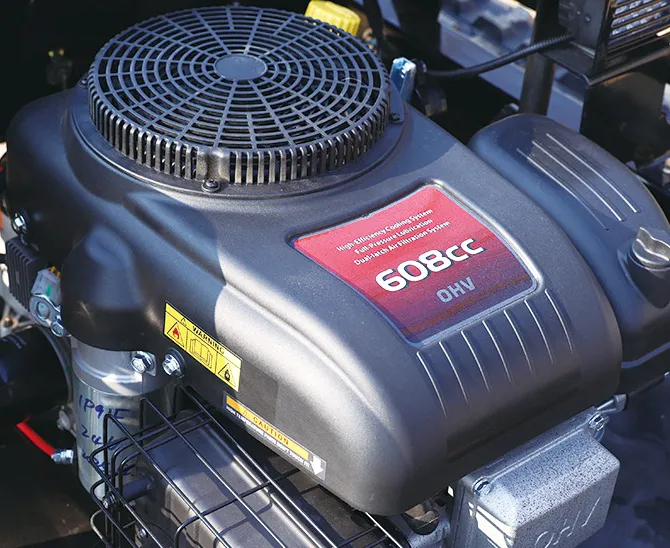
Power unit & service access
Use the operating information supplied with your machine.
Know what comes with your machine.
Discuss the machine configuration, included items, packing information and available operating documents with your order.
Machine / configuration confirmation
Packing information
Shipping and destination documents
Supplied operating information
Warranty & coverage
Warranty coverage is confirmed with the supplied machine, configuration and quotation.
For a warranty enquiry, include your model, serial number, order reference, photos or video and a description. Video upload is not supported in this form.
Request information for your machine.
Tell us the model and the document or part you need. We’ll help identify the relevant information and next step.
Request Parts →Common questions. Clear next steps.
What information should I send for troubleshooting?
Include the model, serial number if available, a description and clear photos.
How do I identify the correct spare part?
Show the installed part and machine configuration. Compatibility and availability need confirmation.
Where can I find my model or serial number?
Check the identification information supplied with your machine. If unsure, send a clear photo.
What documents are supplied with the machine?
Required documents are confirmed with the supplied machine, order and destination.
How is warranty coverage confirmed?
Warranty coverage is confirmed with the supplied machine, configuration and quotation.
Can I send photos or video of an issue?
Describe the issue and identify the machine. Photo upload is not available in this public form; contact us to arrange how to share photos.
Need help with your machine?
Start with the model and tell us what you need.